
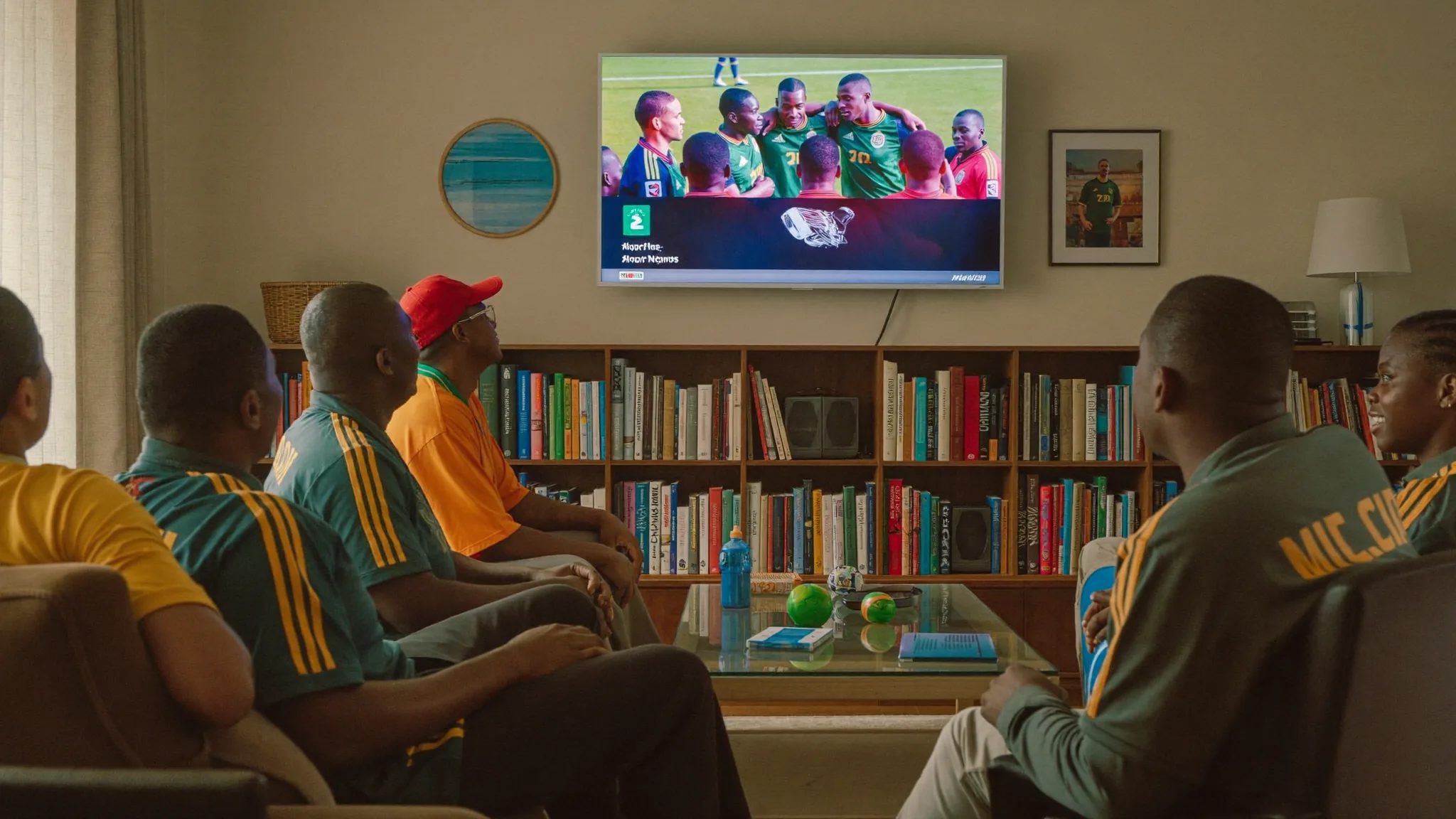
How to Watch AFCON Live in South Africa
If you want to watch AFCON live in South Africa without a DStv contract tying you down, there's a cheaper route than most fans realise. Every two years the Africa Cup of Nations turns local pubs, living rooms and WhatsApp groups into one long tournament conversation, and missing a Bafana Bafana knockout game because of a broadcast issue is not something any real supporter wants to risk.
This guide walks through where AFCON is officially shown in South Africa, why the traditional route can feel like overkill if football is mostly what you watch, and how an IPTV subscription gets you the tournament, plus the rest of the football calendar, for a lot less than a full DStv package.
Where AFCON is officially shown in South Africa
AFCON coverage in South Africa has typically run through SuperSport, which carries the full spread of group games, knockout rounds and studio analysis across its channels. Bafana Bafana matches have often also been made available free-to-air through SABC, since national team games carry public broadcast obligations in many countries. The exact channel lineup and free-to-air arrangement can shift from one tournament to the next, so it's worth checking closer to kickoff, but the pattern has been consistent: SuperSport for the full tournament, with SABC picking up at least the national team's matches.
The problem isn't the quality of that coverage. SuperSport's football production is excellent. The problem is cost. To get the full SuperSport football package with every AFCON fixture, you're generally looking at one of the higher DStv bouquets, plus the decoder, the installation and a monthly bill that keeps climbing. If your household barely watches anything else on DStv besides the football, that's a lot of rand going toward one tournament every couple of years.
| Route | Covers full AFCON? | Needs a dish? | Typical monthly cost |
|---|---|---|---|
| DStv Premium (SuperSport) | Yes | Yes | High |
| DStv Stream / SuperSport app | Yes | No | Still DStv pricing |
| SABC free-to-air | Bafana matches only, tournament-dependent | No, aerial | Free |
| IPTV subscription | Yes | No | From R399/month |
Why IPTV is the affordable way to watch AFCON live in South Africa
IPTV delivers the same SuperSport-style channels over your existing internet connection instead of through a satellite dish. You install an app on a device you likely already own, log in with the details your provider gives you, and the channels stream through your Wi-Fi or mobile data. No dish on the roof, no installer visit, no long-term contract.
For AFCON specifically, this matters because the tournament runs for close to a month. That's four weeks of group games, quarter-finals, semis and a final, often with two or three matches a day during the group stage. A good IPTV package carries the sports channels showing that coverage, so you're not choosing between one match and another because your bouquet doesn't stretch far enough.
Pricing on IPTV is also straightforward and doesn't creep up every renewal the way traditional pay-TV tends to. A typical setup looks like this:
- 1 month: R399
- 3 months: R599
- 6 months: R849
- 12 months: R1299
Even the shortest plan comfortably covers a full AFCON tournament with room to spare, and the longer plans work out far cheaper per month if you're already planning to keep watching football, rugby or cricket afterwards.
Setting up IPTV to watch AFCON on your TV
Getting set up takes less time than queuing for a DStv installer. On a smart TV, you install the provider's app (or a player app like IPTV Smarters) straight from your TV's app store, enter your login details, and the channel list loads. On a Firestick or Android TV box, you sideload or download the same player app and connect it the same way. Phones and tablets work identically through the mobile version of the app, which is handy for catching a match on your commute or during load shedding when the TV isn't an option.
A stable internet connection matters more than a fast one. AFCON matches stream in standard broadcast quality without needing anything close to fibre-grade speeds, so most home Wi-Fi or a decent mobile data connection handles it fine. If you've had buffering trouble with streaming apps before, closing other heavy downloads during kickoff and sitting closer to your router usually clears it up.
What to check before you subscribe
Not every IPTV provider is worth your money, and the football calendar is exactly when a shaky one gets exposed. Before you commit, look for a few basics.
- A free trial or short first-month plan so you can test the AFCON channels before paying for a year
- Responsive support you can reach if a channel drops mid-match
- A player app that works on the devices you actually own, not just one platform
- Clear, upfront pricing with no hidden setup fees
A provider that hesitates to offer any of the above is one to avoid, especially with a tournament this important on the line. Our own IPTV subscription covers the SuperSport-style sports channels you need for AFCON, plus the Premier League, rugby and cricket coverage most South African households follow through the rest of the year.
Common streaming issues during AFCON, and quick fixes
A month-long tournament with daily matches is exactly when small streaming problems become obvious. Most of the issues South African fans run into during AFCON come down to a handful of causes, and nearly all of them are fixable without calling anyone.
Buffering during peak kickoff times
When a big AFCON match kicks off, a lot of households are streaming the same fixture at once, and your own home network can add its own strain on top of that. If a match starts stuttering, pause other downloads, get other devices off the Wi-Fi where you can, and sit closer to the router if you're on a wireless connection. A wired connection to a Firestick or Android box, where that's possible, tends to be the most reliable fix of all.
Load shedding around match times
South African fans know this one well. If a match falls during a scheduled outage, a fully charged phone or tablet on mobile data is your backup plan, since IPTV apps work the same way over cellular data as they do over Wi-Fi. Keeping a power bank charged during tournament weeks isn't a bad habit either, especially for a knockout match you really don't want to miss.
App crashes or a channel dropping mid-match
Occasionally a specific channel will drop or freeze while others keep running fine. Closing and reopening the player app clears this more often than not, since it forces a fresh connection to the stream. If it keeps happening on the same channel, check whether your provider has an alternate feed for that match, most decent services carry more than one source for high-demand fixtures like AFCON knockouts.
Picking the right app for your device
Some player apps run better on certain devices than others. If you're getting more hiccups on your phone than your Firestick, or the other way round, it's worth testing an alternative app rather than assuming the subscription itself is the problem. Most IPTV subscriptions aren't locked to a single app, so switching costs nothing but a few minutes.
AFCON and the rest of your football season
One thing worth factoring in: AFCON is one tournament among many that South African football fans track. If you're already watching the Premier League through IPTV, adding AFCON coverage doesn't mean a second subscription or a different app, it's the same service carrying more channels. That's really the appeal of switching away from DStv piece by piece. Instead of paying for a bouquet built around dozens of channels you never open, you get one package that follows the sport you actually care about, whether that's AFCON in a tournament year or the weekly league grind in between. For a wider look at which channels and packages suit different sports fans, our guide on the best IPTV for sports in South Africa breaks it down further.
If you're weighing this up against your current DStv plan, it also helps to compare the two directly rather than guessing at the savings. Our IPTV vs DStv comparison lays out the cost and channel differences side by side, and our best IPTV player apps guide covers which app suits your specific device if you're not sure where to start.
Frequently asked questions
Can I really watch AFCON live in South Africa without DStv?
Yes. An IPTV subscription streams the same sports channels that carry AFCON coverage over your internet connection instead of a satellite dish, so you can follow every match without a DStv contract.
Will Bafana Bafana matches be shown for free anywhere?
SABC has historically carried Bafana Bafana's matches free-to-air during past tournaments, though this depends on the broadcast arrangements agreed for each edition. The rest of the tournament typically sits behind SuperSport.
Do I need fast internet to stream AFCON through IPTV?
No. A stable connection matters more than raw speed. Most home Wi-Fi or a reasonable mobile data line handles standard match streaming without issues.
What devices can I use to watch AFCON through IPTV?
Smart TVs, Firesticks, Android TV boxes, phones and tablets all work through a player app. You log in once and the same subscription follows you across devices.
How much does an IPTV subscription cost during AFCON?
Plans start from R399 for one month, with better value on longer terms at R599 for three months, R849 for six months, and R1299 for a full year.
Is it worth subscribing for just one tournament?
A one month plan comfortably covers the full AFCON schedule. Many fans then keep the subscription running for the football, rugby and cricket that follows, since it works out cheaper than DStv over a year.
AFCON only comes around every two years, and the last thing you want is a broadcast frustration getting in the way of a Bafana Bafana knockout match. Whether you stick with the free-to-air option for national team games or go all in on full tournament coverage, IPTV gives you a way to watch AFCON live in South Africa that doesn't demand a satellite dish or a DStv-sized monthly bill. Start with a short plan through our IPTV subscription page, test it through a few group games, and decide from there.