Best Android TV Box for IPTV in South Africa (2026 Guide)
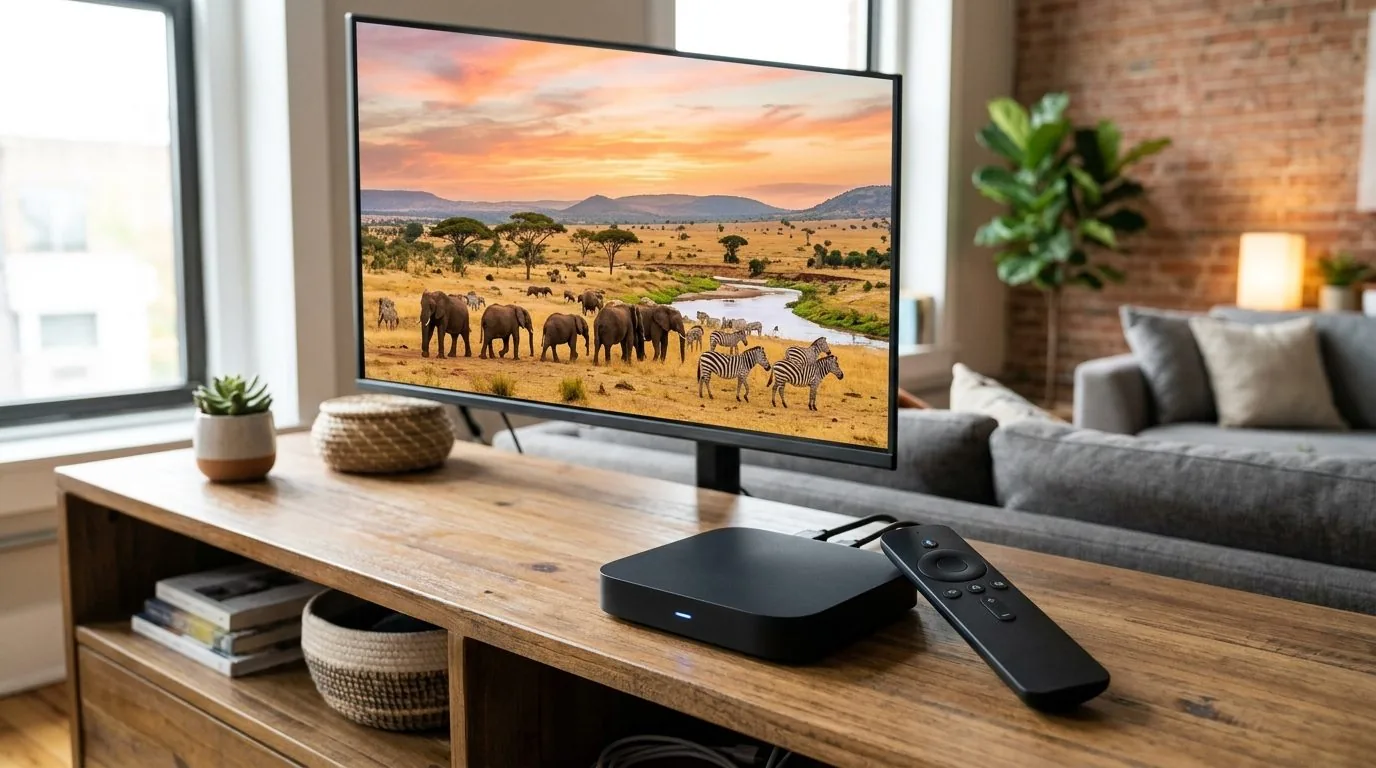
An Android TV box for IPTV in South Africa is the easiest upgrade you can make to a non-smart TV, or to a smart TV that doesn't support the apps you need. You plug it into an HDMI port, connect it to your Wi-Fi or ethernet, and suddenly any screen in your house becomes a capable streaming device with access to live IPTV channels, catch-up apps, and everything on the Play Store. This guide covers what to look for, which specs actually matter for live TV, and how to get it set up properly.
Why an Android TV Box Is a Good Choice for IPTV South Africa
South African households have a wide variety of TVs: some are a few years old without built-in app stores, others are smart TVs running older operating systems that can't install the IPTV apps you need. An Android TV box solves both problems in one go.
Unlike a Samsung Smart TV (which runs Tizen) or an LG TV (which runs WebOS), a dedicated Android TV box runs a full version of Android TV. That means direct access to the Google Play Store and the ability to install any Android-compatible IPTV player: IPTV Smarters Pro, TiviMate, GSE Smart IPTV, or others. It also means you're not dependent on whether your TV manufacturer has approved a particular app.
The other practical advantage is that an Android TV box sits between your TV and IPTV service independently. If your TV gets replaced or you move to a different room, you just take the box with you. Your subscription, settings, and apps all travel with the device.
If you have a Samsung Smart TV and want to know how IPTV setup differs on that platform specifically, our guide on installing IPTV on a Samsung Smart TV covers that route separately.
What to Look for in the Best Android TV Box for IPTV South Africa
Not all Android TV boxes perform the same way for live IPTV streaming. Here's what the specs actually mean for day-to-day use.
Processor and RAM
Live IPTV is less demanding on a processor than gaming or 4K video decoding, but a weak chipset will still cause stuttering, slow channel switching, and sluggish EPG loading. Look for an Amlogic S905X4 or Rockchip RK3566 processor as a minimum; these handle Full HD IPTV streams without effort. Avoid boxes with older Allwinner chips; they tend to overheat and choke on modern app requirements.
RAM matters for multitasking. 2 GB of RAM is the practical minimum for IPTV: the player app, EPG data, and background system processes all compete for memory. 4 GB gives you comfortable headroom and keeps the system responsive when switching between apps or loading large channel lists.
Storage
16 GB of internal storage is adequate for IPTV use if you're installing only one or two player apps. If you plan to install additional apps (catch-up services, a browser, media players), go for 32 GB. Storage can rarely be expanded meaningfully on these devices, so it's worth getting enough from the start.
Android TV vs Standard Android
There's an important distinction here. Android TV is Google's TV-optimised operating system with the Google Play Store, launcher designed for remote control navigation, and Chromecast built in. Standard Android (sometimes called "Android" boxes without the TV label) runs a mobile interface on a TV. It works, but the experience is less polished and some apps don't behave well.
For the best Android TV box for IPTV in South Africa, stick with proper Android TV devices, not generic "Android boxes." The Google Play certification matters for long-term app compatibility.
Connectivity
Wi-Fi 5 (802.11ac) dual-band support is the minimum you want. Single-band 2.4 GHz Wi-Fi on older chipsets is more prone to interference from neighbours' networks, which translates to inconsistent IPTV performance. If your router is in the same room as your TV, an ethernet port on the box is a big plus: a wired connection eliminates wireless interference entirely.
HDMI 2.0 output ensures compatibility with 4K TVs even if you're streaming at Full HD. USB ports are useful for adding external storage or a wired keyboard for initial setup. Bluetooth 5.0 is useful if you want to pair wireless headphones or a proper game controller.
Remote Control
A well-designed remote makes IPTV navigation significantly more comfortable. The best Android TV boxes for IPTV in South Africa include remotes with dedicated voice input, quick-access buttons, and clear channel navigation keys. Air mouse functionality (where the remote acts as a pointer for on-screen navigation) is less important for IPTV; a straightforward D-pad remote is usually more practical for navigating an EPG or channel list.

Android TV Box vs Amazon Firestick for IPTV South Africa
The Amazon Firestick is the most common alternative to a dedicated Android TV box, and it deserves mention here because it's widely available in South Africa through Takealot and other retailers.
The Firestick 4K Max runs Fire OS (Amazon's fork of Android) and works well for IPTV. You can sideload IPTV Smarters Pro or install it via the Downloader app. The hardware is capable enough for HD and Full HD IPTV streams, and the remote is simple and reliable.
The main limitation with Firestick is that sideloading requires a few extra steps compared to a proper Android TV box with direct Play Store access. Some IPTV apps also require enabling "Apps from Unknown Sources" on the Firestick, which isn't complicated but is an extra step. A native Android TV box with Play Store access is slightly more straightforward for first-time IPTV users.
Cost-wise, both options are similar. A capable Android TV box runs R500 to R1 500 depending on specs, and a Firestick 4K is around R700 to R900 at most South African retailers.
If you've already bought a Firestick, our guide on installing IPTV on a Firestick covers the setup process step by step.
Setting Up Your Android TV Box for IPTV South Africa
Once you have your box and an active IPTV subscription, setup takes about 15 to 20 minutes. Here's the process.
- Connect the box to your TV. Plug the HDMI cable into any available HDMI port on your TV and switch the TV input to that port. Connect the power adapter to the box and a wall socket.
- Connect to Wi-Fi or ethernet. Follow the on-screen setup to connect to your home network. If you have an ethernet port on the box and a nearby router or switch, use that for the most stable connection.
- Sign in to your Google Account. This gives you access to the Google Play Store and links your device to your account for app management.
- Install your IPTV player app. Open the Play Store and search for IPTV Smarters Pro or TiviMate. Both are free to download. TiviMate has a more polished interface for navigating a large channel list and EPG, making it a popular choice for Android TV boxes with full remotes.
- Add your IPTV subscription credentials. When you subscribe at bestiptvsa.com, you'll receive either an M3U playlist URL or Xtream Codes login details (server URL, username, password). Enter these in the player app under "Add Playlist" or "Xtream Codes." The channel list and EPG will load within a few minutes.
- Navigate to your channels. Use the remote to browse the channel list. Filter by "Sports" to find SuperSport and international sports channels. Add your most-watched channels to Favourites so they're one button away.
If you're not familiar with what Xtream Codes are and how they connect your subscription to an app, our explainer article on Xtream Codes walks through how the system works.
Internet Requirements for IPTV on an Android TV Box
Your internet connection needs to sustain a consistent stream at the quality you've selected. A 10 Mbps line handles one Full HD IPTV stream with comfortable headroom. If multiple people are streaming at the same time on different devices, or if other household members are gaming or on video calls, you'll want 25 Mbps or more.
Fibre is the preferred option in South Africa: Vumatel and Openserve both have consistent speeds that work well for IPTV. Fixed LTE from a provider like Rain, Vodacom, or MTN also works well in areas without fibre, though it can be more variable during peak hours.
Wireless connections introduce more variability than wired ones. If your Android TV box has an ethernet port and your router is within cable distance of the TV, a wired connection will give you a noticeable improvement in stream stability, especially during high-traffic events like major rugby matches or weekend Premier League fixtures.
How Much Does a Good Android TV Box Cost in South Africa?
You can find functional Android TV boxes at South African retailers for as little as R400, but boxes at that price point tend to use underpowered chipsets that struggle with modern IPTV apps. For reliable IPTV performance, the R700 to R1 500 range is more realistic.
- R700–R900: Entry-level Android TV boxes with Amlogic S905 processors, 2 GB RAM, 16 GB storage. Fine for basic IPTV on a single screen at HD quality.
- R900–R1 200: Mid-range boxes with updated processors, 4 GB RAM, 32 GB storage, and better Wi-Fi chips. Handles full IPTV use comfortably, including EPG, catch-up, and multiple apps.
- R1 200–R1 500+: Premium Android TV boxes with 4K HDR support, stronger processors, and ethernet ports. Worth considering if your TV is 4K and you want the best possible picture from channels that stream at that resolution.
Don't confuse price with performance entirely: brand recognition matters less than the chipset and software. A well-reviewed box from a lesser-known brand on a strong chipset will outperform an expensive box on an underpowered one.
Frequently Asked Questions
Can I use any Android TV box for IPTV in South Africa?
Any Android TV box that can install IPTV Smarters Pro, TiviMate, or a similar app will work. Boxes running proper Android TV with Google Play Store access are the easiest to work with. Avoid boxes that run only standard Android without TV launcher support; they work but are more awkward to navigate with a remote.
What is the best IPTV player app for Android TV boxes?
TiviMate is widely regarded as the best-designed IPTV player for Android TV devices. It has a clean EPG layout, smooth channel switching, and good remote control navigation. IPTV Smarters Pro is another strong option that's free and compatible with all IPTV subscriptions. Both are available on the Google Play Store.
Do I need a separate IPTV subscription for my Android TV box?
Yes, the Android TV box is the hardware; the IPTV subscription provides the channel access. You subscribe at a site like bestiptvsa.com, receive your login credentials, and enter them into the player app on your box. Plans start at R399 for one month up to R1 299 for a year.
Will an Android TV box work on any TV, including an older one?
Yes. As long as your TV has an HDMI input, an Android TV box will work with it. This is one of the main reasons people buy Android TV boxes: to add smart functionality to older TVs that don't have built-in apps.
Is a wired ethernet connection necessary for IPTV on an Android TV box?
Not strictly necessary, but it helps. A stable dual-band Wi-Fi 5 connection works well for IPTV in most homes. If your TV is close to your router, an ethernet cable gives you a more consistent stream quality, especially during high-demand events. It removes the wireless variable entirely.
How do I update my Android TV box to keep it working properly?
Keep both the Android TV operating system and your IPTV player apps up to date through the Google Play Store. Updates occasionally change how apps authenticate or display content, so staying current prevents compatibility issues. Also clear the cache in your IPTV player app periodically; this fixes most sluggish channel-loading issues without needing a factory reset.
A good Android TV box for IPTV in South Africa transforms any screen in your home into a full live TV experience. Pair it with an IPTV subscription from bestiptvsa.com; plans are on the subscription page. You'll have sport, news, entertainment, and more at a fraction of the satellite cost.